
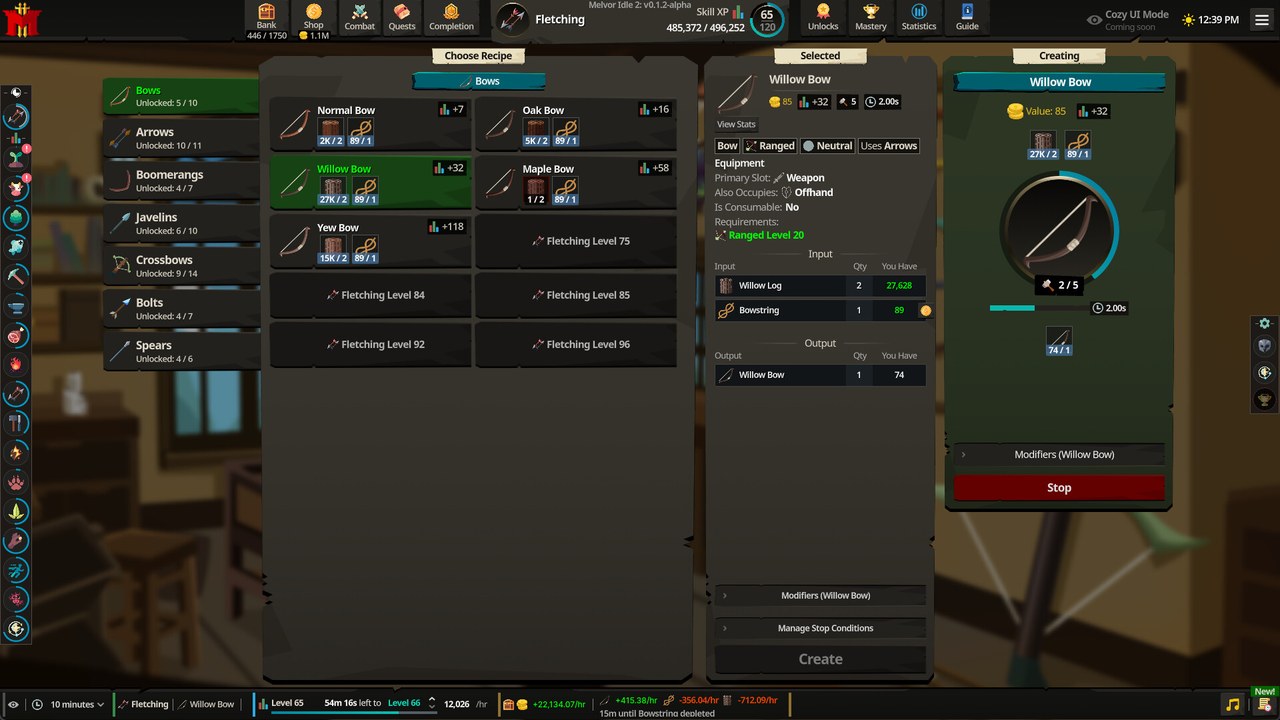
A practical starting tab layout
A manageable starting layout is Inbox / Review; Mining + Smithing; Fishing + Cooking; Wood + Firemaking; Crafting + Fletching; Farming + Herblore; Combat Gear; and Quest / Keep. These groupings are an editorial suggestion, not a developer-certified optimum. They put related activities beside one another while leaving a place for items whose final destination is unclear. Adjust the names to the activities you actually need rather than creating categories that you will not use.
The Review area matters because a useful Bank is not simply a set of automatically filled skill containers. Some items can support several activities or need a separate keep-versus-sell decision. A manual review space gives those items somewhere understandable to wait while you inspect their uses. This layout describes organization, not a promise that creating a named tab increases the Bank’s item capacity.
Understand source and consumption affinities
The sequel Bank discussion uses the labels Found here and Used here. Players interpret them as source-related and consumption-related categories, which is useful context for understanding the choices presented by the interface. That interpretation does not settle every overlap between categories. An item can have several relevant uses, so a label that seems obvious may still send the item somewhere you did not expect.
Treat those affinities as behavior to test rather than as a fully documented priority engine. Apply one affinity, gain or move a suitable test item, and inspect where it appears before relying on that rule for a large stock of items. This is a reversible testing suggestion based on the reported confusion. It does not assert that a particular source rule always overrides every consumption rule in Early Access.
Handle items that belong in several places
When an item can fit several groups, first decide where you would naturally look for it during your next task. If automatic sorting does not give a clear result, keep that item in Review while you inspect the relevant categories. Avoid adding several new affinities at once, because that makes an unexpected result harder to explain. The goal is a Bank you understand, not an impressive-looking rule set whose behavior is opaque.
The same reasoning applies when you revisit the layout after changing activities. A configuration useful for one set of resource needs may be less convenient when a different quest or upgrade becomes your priority. Review the ambiguous items and the tab names before assuming the system has lost them. The research does not provide a guaranteed universal precedence rule that would remove the need for these checks.
Review quantities before selling or upgrading
The official launch notes include fixes to Bank quantity selection and item-upgrade quantity handling. These are specific interface and quantity fixes, not documentation of an affinity-precedence change. An old screenshot showing a quantity issue should therefore be read with its build date in mind. Check the selected item, action and amount in the current interface before applying a large sale or upgrade.
Separating Quest / Keep from items intended for sale can make that review easier to follow. This is an organization recommendation rather than a claim that every quest item has a verified automatic keep flag. Use the item’s current purpose when deciding what to retain. The money-making guide explains why selling a valuable output is not automatically the best choice if you still need it for progression.
Build your configuration in small steps
Begin with the small tab layout, move a few recognizable items and check whether the structure matches how you search for them. Add an automatic affinity only after the manual arrangement is understandable, then inspect its result with a test item. Keep the Review area for exceptions instead of treating every unexpected placement as proof that another undocumented rule must exist. This process gives you a usable configuration without needing a copied import code.
No verified portable Bank-configuration import or export string was found in the collected research. This guide therefore does not offer a code, a universal filter template or an unsupported way to add capacity through tab creation. For current item lookups, see the wiki reference guide. For public discussion of Bank layouts, use the Reddit guide, keeping the date and the game version attached to any suggested setup.
Separate sorting, storage and resource decisions
Finding an item, holding more different items and deciding whether to sell are related Bank tasks, but they are not the same mechanic. Named tabs can make the first task easier without proving a capacity increase. A source or consumption affinity can influence organization without deciding whether an item is safe to sell. Keep those goals distinct when evaluating a proposed configuration or explaining why a layout does not solve your actual problem.
For an organization issue, test placement and revise the relevant tab. For a quantity issue, inspect the selected amount and the action the interface is about to perform. For a keep-versus-sell decision, consider the item uses you still need rather than trusting a category name. These checks build on the documented tools while avoiding an invented rule that makes every Bank choice automatically correct.
Frequently Asked Questions
What is the best Bank layout?
The suggested paired-skill tabs plus Review, Combat Gear and Quest / Keep are a practical starting point. They are not an official optimum for every account. Adapt the layout to the items and activities you actually need to find.
Does Found here always override Used here?
A universal priority rule was not established by the collected sources. Player discussion describes overlaps and unexpected placements. Test one affinity at a time and inspect the result in your current build.
Can I paste a ready-made configuration code?
No verified portable import string was found in the research. The documented tools include named tabs, tags and placeholders. Use those controls directly rather than relying on a fabricated configuration code.
Official Early Access Trailer
Sources and Further Reading
- Official Steam listing — app 3218350
- r/MelvorIdle — Melvor 2 Bank configurations; version-sensitive player reports
- Official Early Access patch notes — November 17, 2026